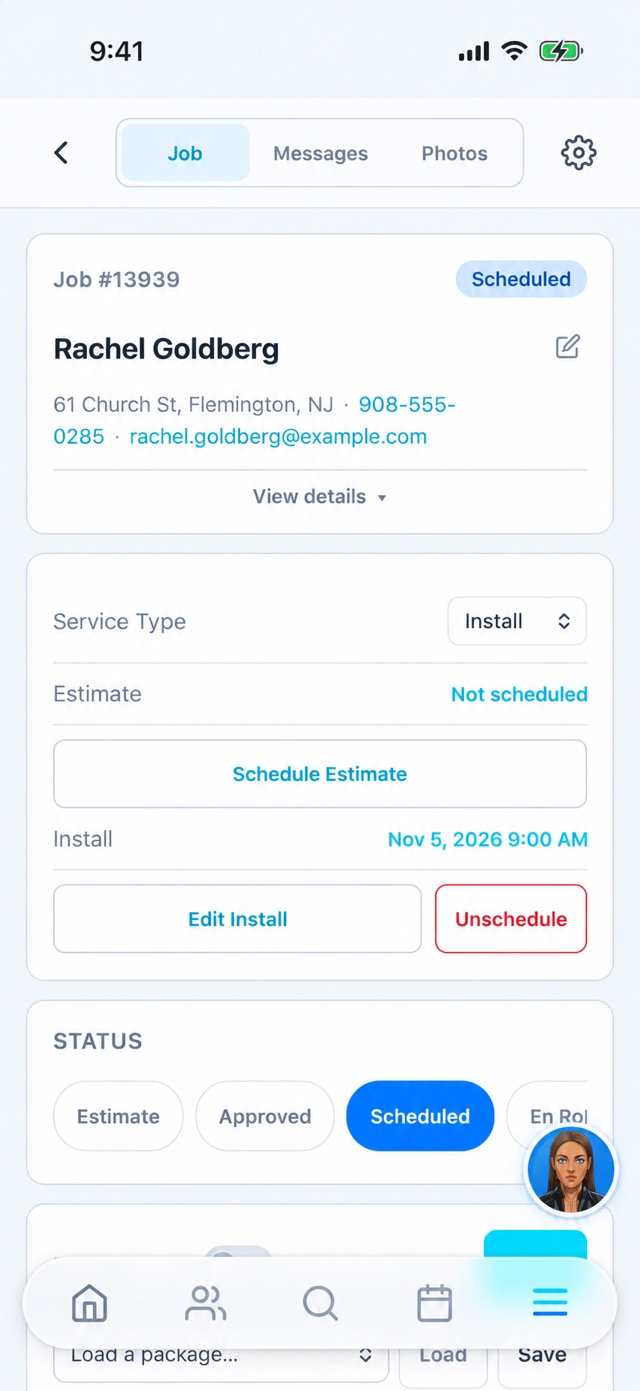
An installation is more than a slot on the calendar.
The sales conversation and site details help the crew arrive prepared. Access, the agreed layout, gate choices, and customer questions can all matter. Keep the useful context on the job rather than depending on the salesperson being available when the installer calls.
What this looks like in practice.
Keep the inquiry moving
Capture the lead and source, record contact attempts, and schedule the visit. Keep the customer’s questions and property context with the record so another team member can continue the conversation without starting over.
Prepare the approved work
Use the estimate and contract workflow to make the agreed scope clear. Check deposit and material status, and put site-specific instructions where the crew can find them. Confirm any requirements with the appropriate qualified people.
Finish with a usable record
The crew can use the app for job details, photos, time entries, and completion updates. The office can review the balance and follow up with the customer. Document questions or additional work instead of leaving them in an informal thread.
See the operating history behind the product.
The Results page describes the business where Go Time was built and shows its recorded operating activity when the live data is available. That is context for the product’s origins, not a forecast of your results. Use it alongside a demo of your own sales and installation process.
Keep the handoff clear
- Pool-fence operating roots
- Connected sales and crew workflow
- Customer history after installation
Before you get started.
Is Go Time itself a safety certification tool?
No. The CRM organizes business workflows. Product selection, installation quality, inspections, and applicable pool safety requirements remain the responsibility of the relevant professionals.
Can a dealer review territory workflows?
Yes. Bring the proposed territory and organization structure to the demo. Routing and access need to be reviewed for the actual dealer setup.